LiquidBounce NextGen BuildFailed
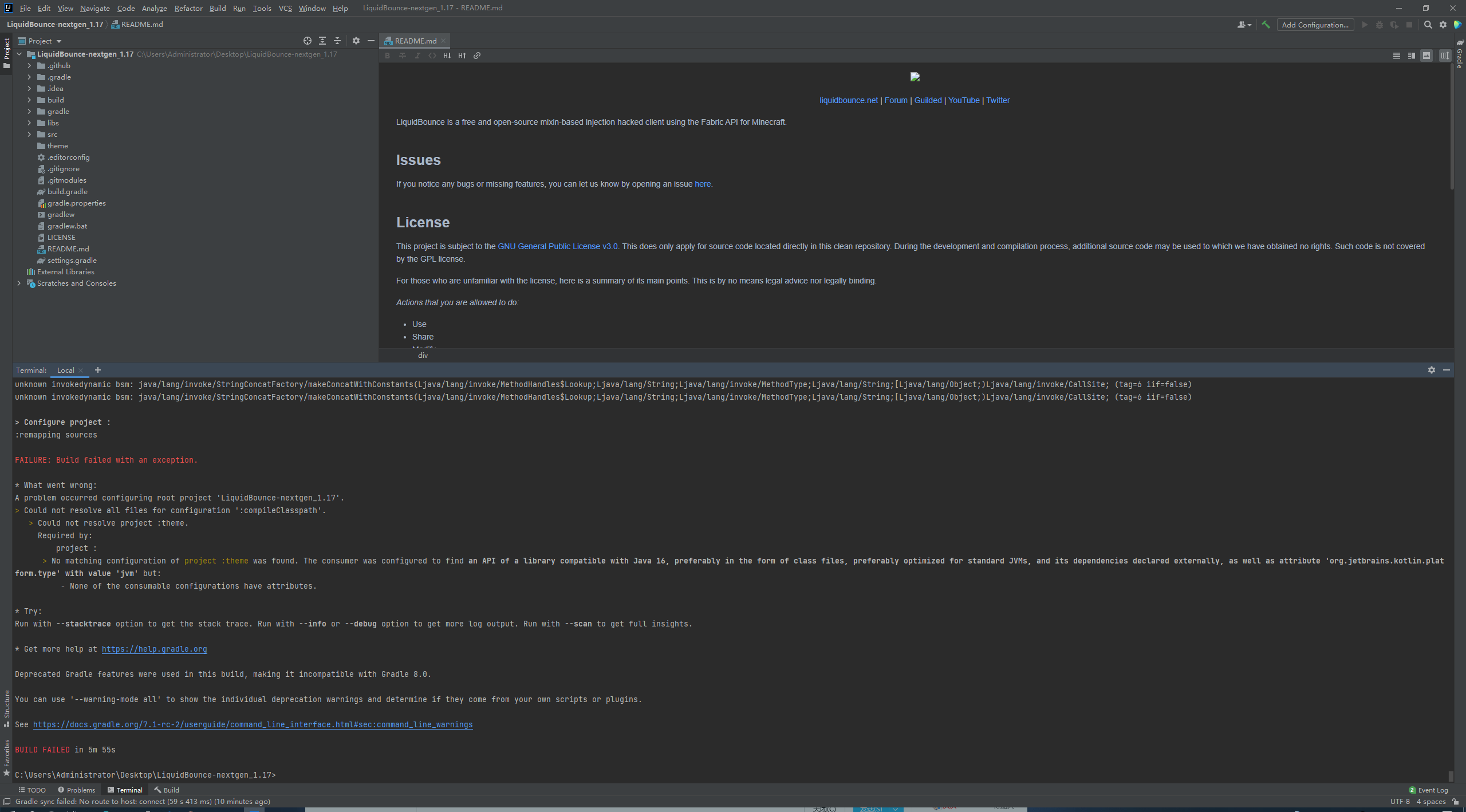
-
his reply: oh ok... so what do i do
ok srsly tho wake up, if you see this link click at it https://adoptopenjdk.net/?variant=openjdk16&jvmVariant=hotspot
click at latest release button
install that shit
open intellij idea
File -> Settings -> Build Execution Deployment -> Build tools > Gradle -> Gradle JVM -> Add JDK -> C:\Program Files\AdoptOpenJDK\jdk-16.0.1.9-hotspot -> Ok
and now find this
File -> Settings -> Build Execution Deployment -> Build tools > Gradle -> Gradle JVM -> 16
if you wanna compile:
Run -> Edit Configurations -> Below Build and Run choose 16

Hello! It looks like you're interested in this conversation, but you don't have an account yet.
Getting fed up of having to scroll through the same posts each visit? When you register for an account, you'll always come back to exactly where you were before, and choose to be notified of new replies (either via email, or push notification). You'll also be able to save bookmarks and upvote posts to show your appreciation to other community members.
With your input, this post could be even better 💗
Register Login