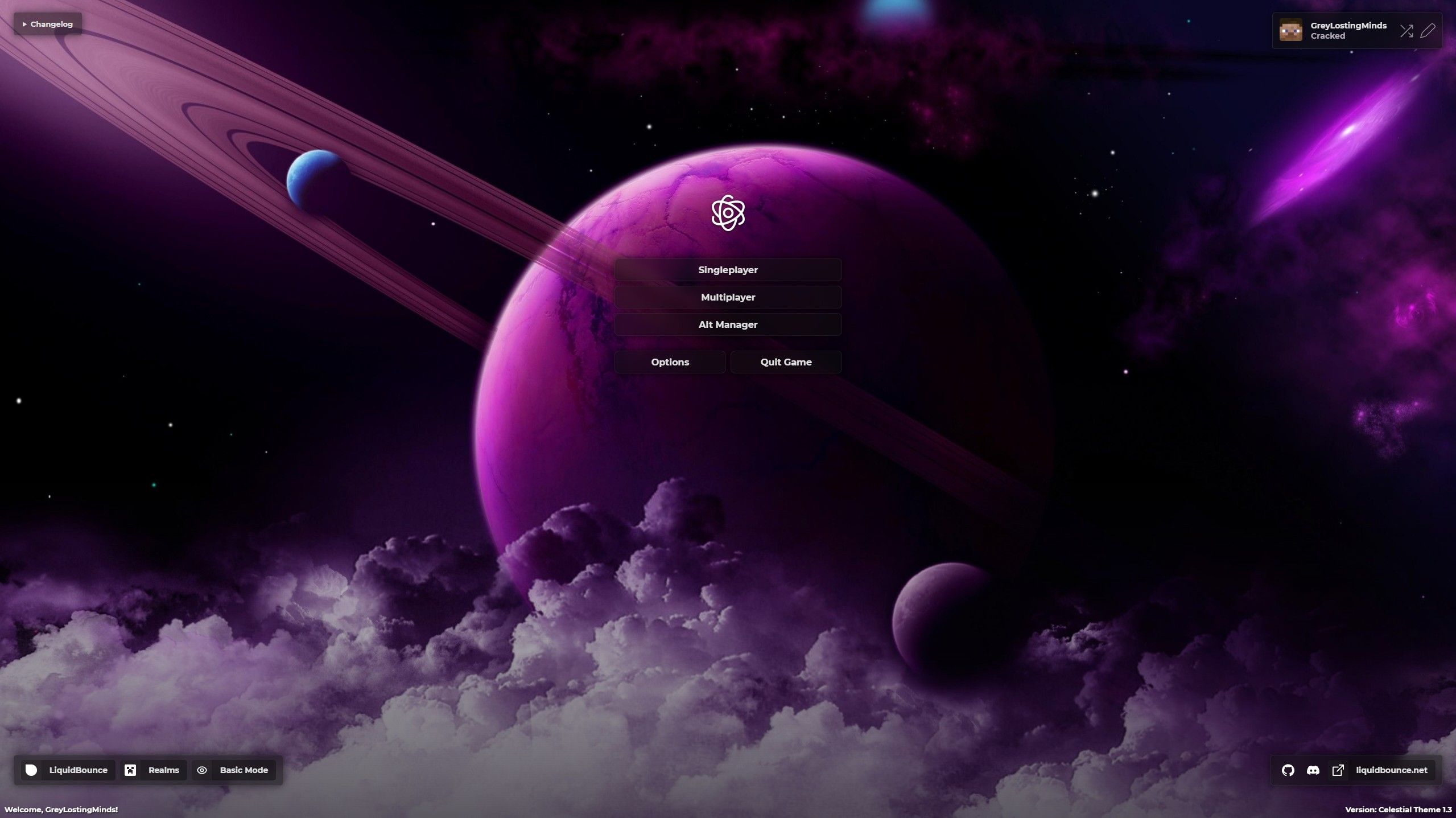
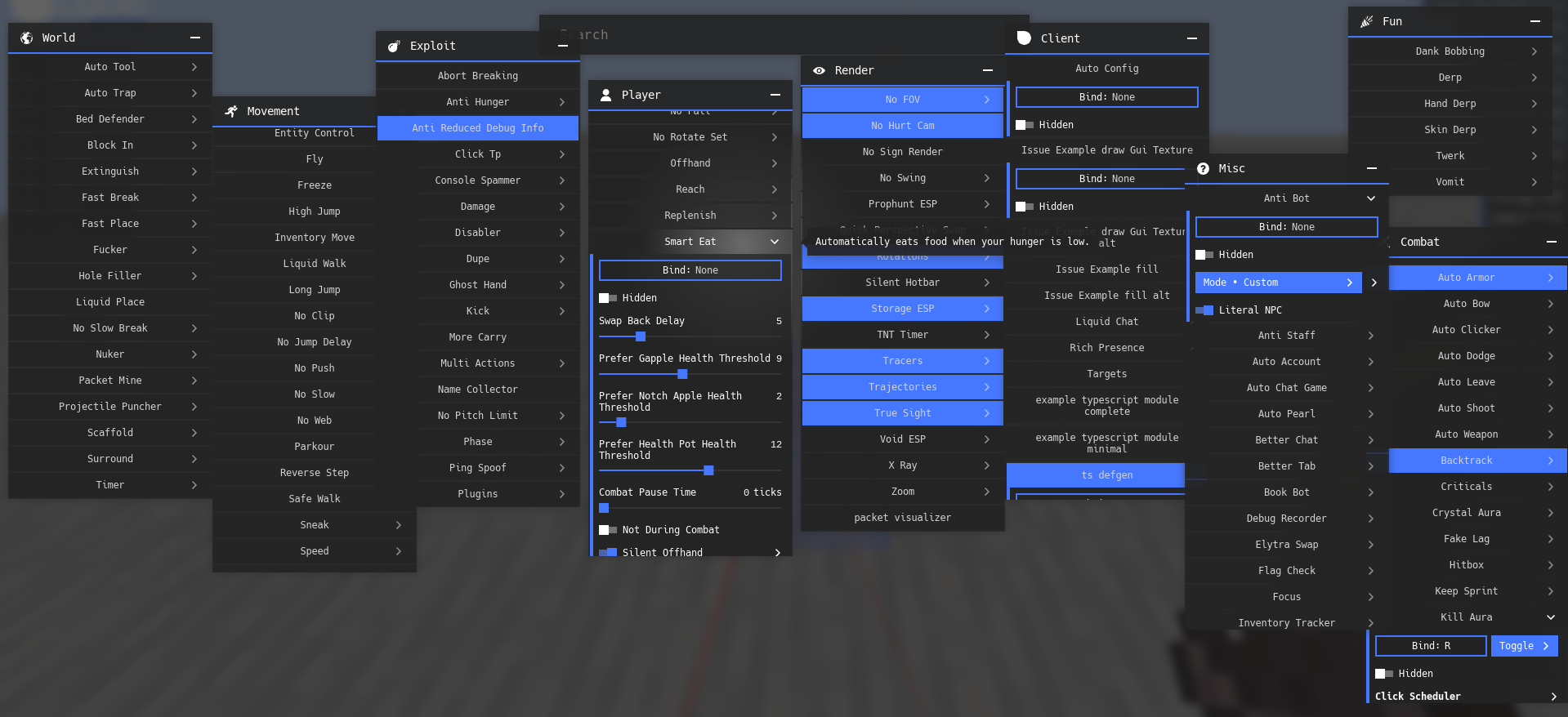
Hi,
To set-up the workspace and testing your theme follow: https://liquidbounce.net/docs/theme-system/overview#creating-your-own-theme.
To edit a theme, you need a code editor such as VS Code and some knowledge of website development.
The LiquidBounce theme uses Svelte. You can find a guide on how to understand it here: https://svelte.dev/tutorial/svelte/welcome-to-svelte.
If you don't know much about website development or writing code, you can use AI to do it for you. Rather than manually copying and pasting code into ChatGPT or Claude, you can use a VSCode plugin called GitHub Copilot. This plugin has an so-called "Agent" mode which will automatically edit files for you on your request. Please be aware that AI code is not perfect and bugs will occur, or straight up not work. But it's a helping tool to get you started.