[TUTORIAL] How to add scripts into Liquidbounce
-
Some newbies don't know how to add scripts, this tutorial will help them
Step 1
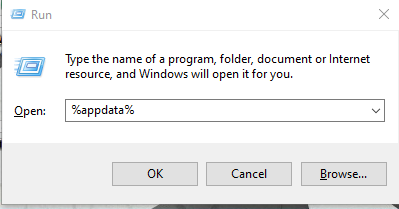
- Press the window icon + R
- Type %appdata%
Step 2
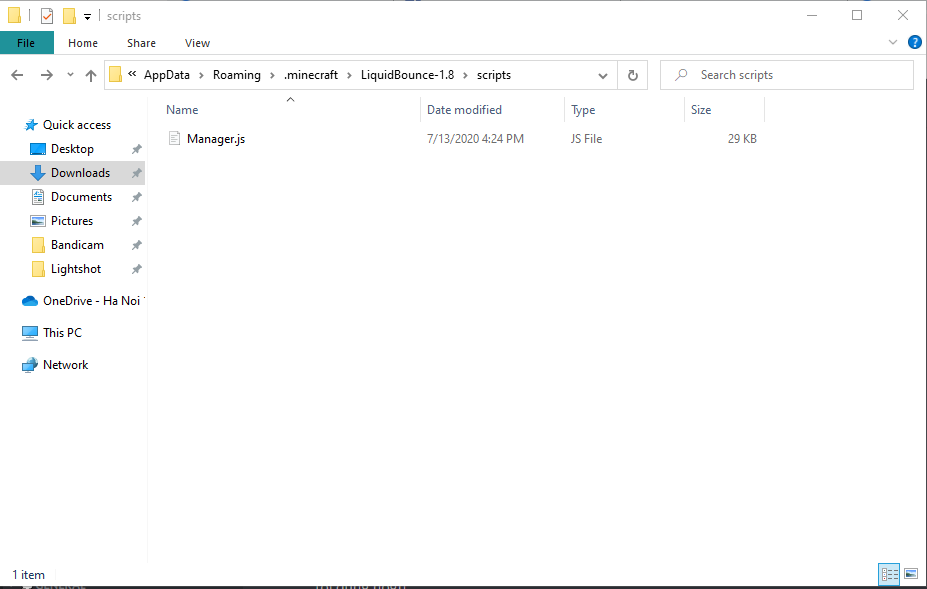
- Open this folder

- Turn on "File name extension" option

1. For script file
Example with this script:
Manager.js- Just copy the script into the folder
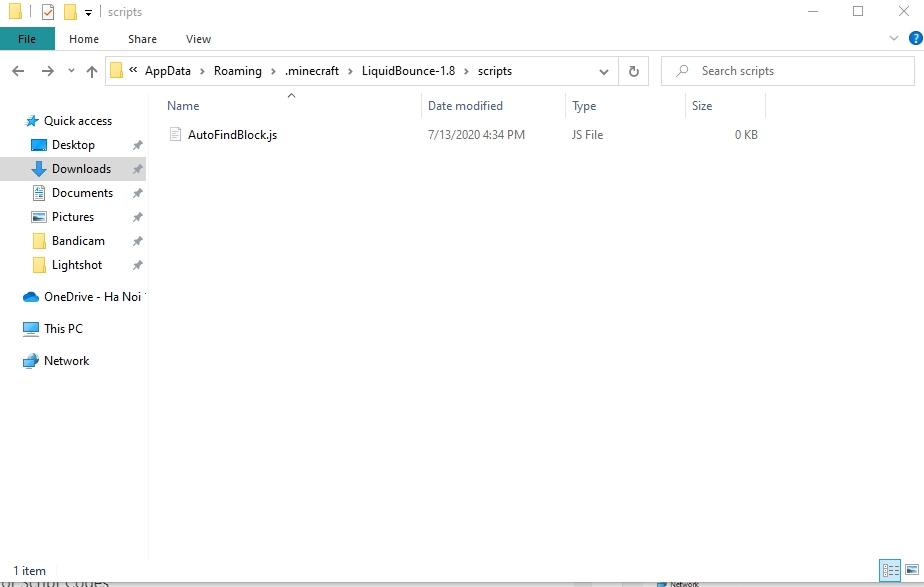
2.For Script Codes
Example with this script: https://forums.ccbluex.net/topic/170/autofindblock
- Create a file with .js extension (you can create a text document and change to .js later)
-
Open it ( I recommend you to use notepad++ or vscode to open it easier or you can change it to .txt)
-
Copy the codes into the script
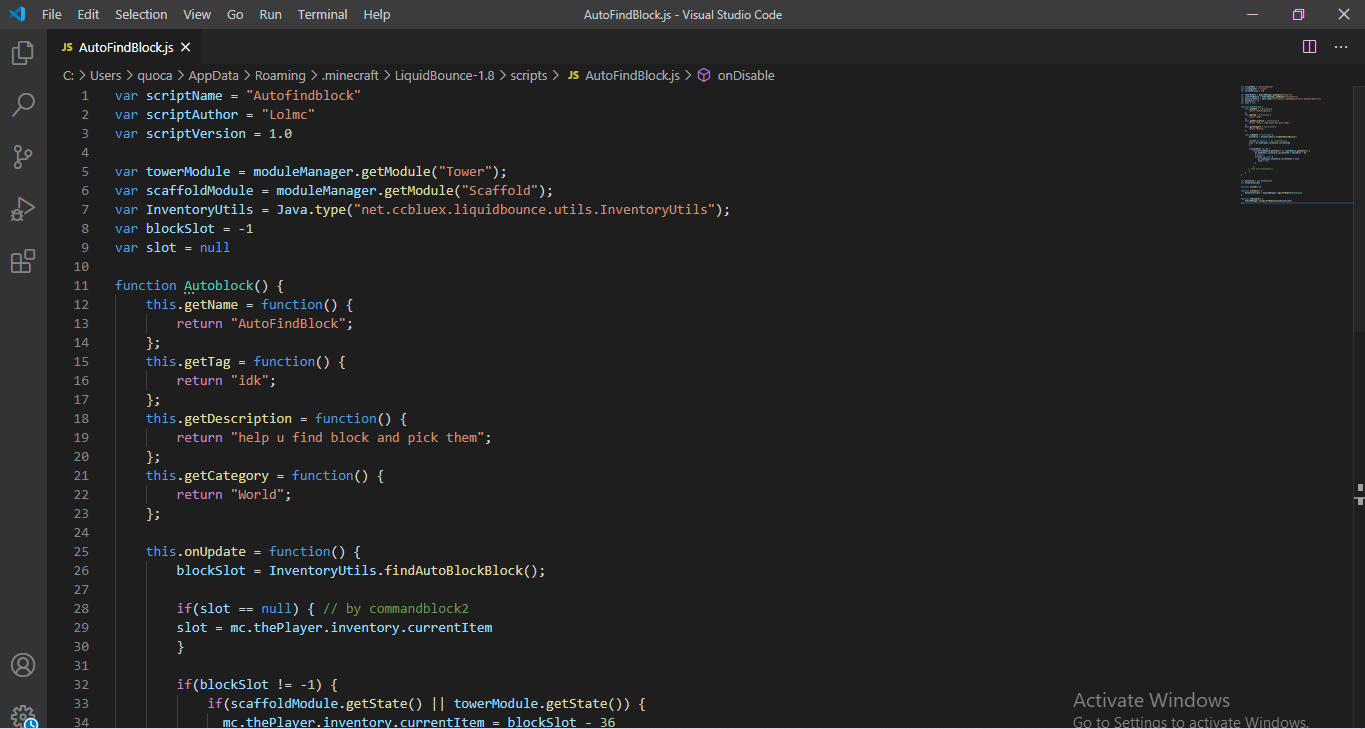
- Save it. Now you are done!
Step 3
- Go to the game, do .scriptmanager reload (or if you already turned off liquidbounce you can turn on it and use the script)
Now you can use the script!
Any questions please ask below -
I recommend you to use notepad++ or vscode to open it easier
Why not intellij, it is also good.
-
this exists but someone still asking how to add scripts...
-
umm can someone pin this comment so it won't be lost
-
umm can someone pin this comment so it won't be lost





Hello! It looks like you're interested in this conversation, but you don't have an account yet.
Getting fed up of having to scroll through the same posts each visit? When you register for an account, you'll always come back to exactly where you were before, and choose to be notified of new replies (either via email, or push notification). You'll also be able to save bookmarks and upvote posts to show your appreciation to other community members.
With your input, this post could be even better 💗
Register Login