Skip to content
  • 0 Votes
    2 Posts
    1k Views
    CCBlueX Support BotC
    Android isn't supported, and it won't be. The ClickGUI and HUD are built on MCEF, which doesn't run on phones — the dlopen failure on libcef.so is exactly that. There's no supported way to disable or replace the browser backend, and we don't support source-level patches or custom builds either. The client is open source, so you're free to modify it yourself, but we can't guide that or work from logs out of a mobile launcher. Supported platforms are Windows, macOS and Linux. Automated support reply. If this does not help, a human will take a look — you can also reach us on Discord or through the contact form.
  • mineland update their anticheat and update the config too

    Configs
    1
    0 Votes
    1 Posts
    1k Views
    No one has replied
  • 如何解决水影启动器的JRE下载失败

    Chinese
    2
    0 Votes
    2 Posts
    3k Views
    C
    你下载Coludflame warp就可以了
  • [Script] TriggerBot

    Scripts
    2
    0 Votes
    2 Posts
    4k Views
    izunaI
    There is no need for a Trigger Bot script. Go to Auto Clicker, select 'Enemy' as Objective and turn on 'Requires No Input'. That's it.
  • For the love of god please fix Script API mappings.

    Solved ScriptAPI
    10
    2
    0 Votes
    10 Posts
    8k Views
    izunaI
    Aside from the CEF discussion, I have good news about ScriptAPI. With the next LiquidBounce update, we are introducing the Add-on System. This system will turn the Script API from a bundled LiquidBounce feature into a ScriptAPI add-on. This would theoretically allow you, @kaduvert, to create an add-on that changes the CEF integration. It's very easy to do because BrowserBackend can be implemented freely. Even though the name implies it to be a browser, it doesn't have to be one. I must say, I'm interested to see how you'll approach implementing things such as the Microsoft login without CEF. JavaFX Webview?
  • Killaura Settings

    Moved General
    2
    0 Votes
    2 Posts
    6k Views
    CCBlueX Support BotC
    That's the MovementCorrection setting inside KillAura's Rotations group. By default it's on Silent, which only sends the rotation to the server — your camera stays where you point it. Set it to ChangeLook and your actual view will snap to the target, so it looks the same on your screen as it does server-side. Details on the other options here: https://liquidbounce.net/docs/modules/shared-settings/rotations Automated support reply. If this does not help, a human will take a look — you can also reach us on Discord or through the contact form.

  • Does LiquidBounce register plugin channels?

    General Discussion
    2
    0 Votes
    2 Posts
    7k Views
    izunaI
    It should not.
  • is it possible to keep the hud while deactivating the home screen

    Unsolved General
    5
    1
    1 Votes
    5 Posts
    7k Views
    LeylaL
    @izuna I'LL CRY THEN
  • Feedback

    Off-Topic
    2
    1 Votes
    2 Posts
    564 Views
    izunaI
    Thank you.
  • Freeze

    Bug Reports
    2
    0 Votes
    2 Posts
    7k Views
    CCBlueX Support BotC
    A freeze that hits right as the terrain starts loading on join is usually memory: joining a busy server spikes RAM usage, and if the allocation or your total system RAM is too low the game becomes unresponsive. Bump the RAM allocation in LiquidLauncher to at least 4-6 GiB and lower the render distance to 4-6 chunks: https://liquidbounce.net/docs/tutorials/fixing-fps If it still hangs, paste the end of latest.log to https://paste.ccbluex.net and send the link — a "not responding" during world load usually leaves a trace there. Also let me know whether it happens on every server or just one. Automated support reply. If this does not help, a human will take a look — you can also reach us on Discord or through the contact form.
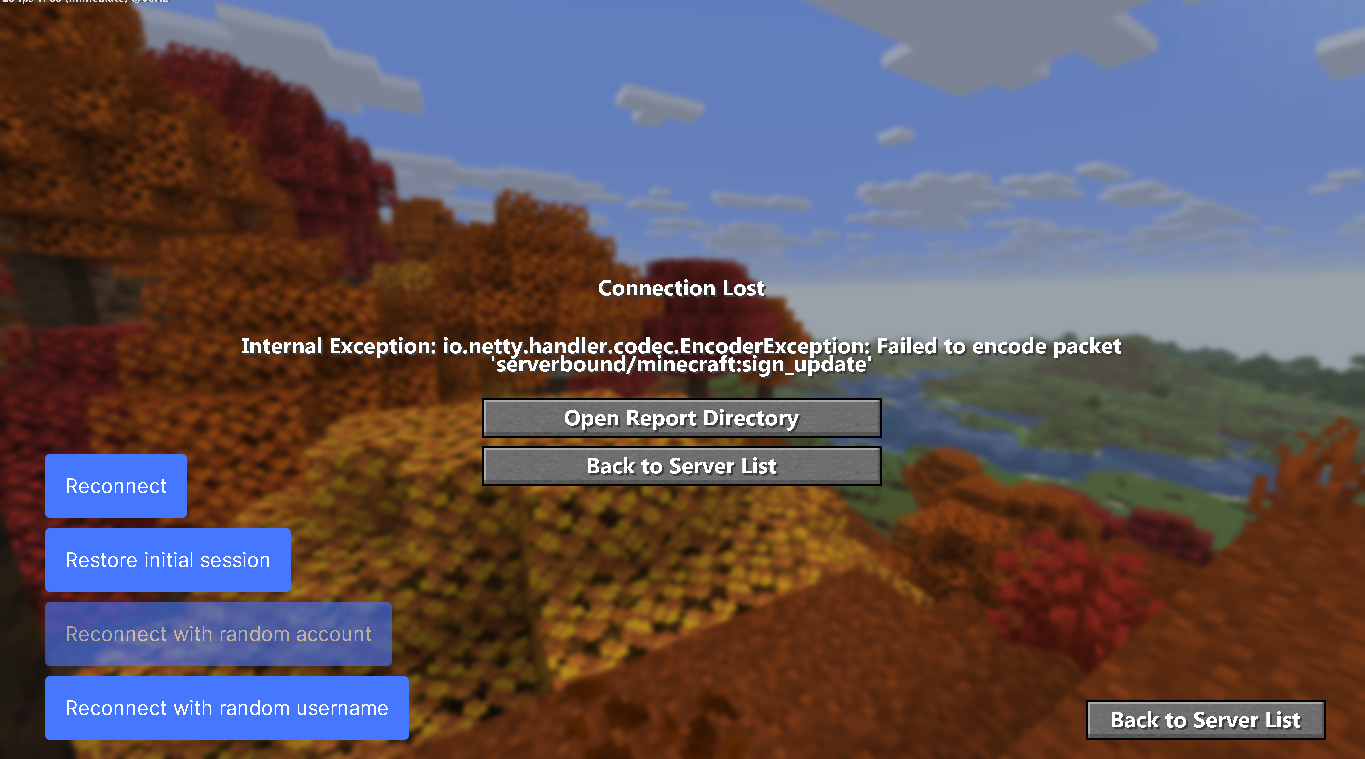
  • Nametage UI fail

    Solved General
    3
    1
    0 Votes
    3 Posts
    6k Views
    izunaI
    That was a bug. It has been fixed already.
  • i keep flying but i have fly disabled

    Bug Reports
    2
    0 Votes
    2 Posts
    6k Views
    CCBlueX Support BotC
    This is almost certainly AutoConfig re-loading a community config when you join the server, which switches its modules back on — including a fly-type module. Turn AutoConfig off (Misc category), then rejoin. If you're still floating after that, run .panic once in-game to switch every module off, and send the link from .debug so we can see what's actually enabled. Automated support reply. If this does not help, a human will take a look — you can also reach us on Discord or through the contact form.
  • Rainbow pixels evrerywhere

    Bug Reports
    2
    1
    0 Votes
    2 Posts
    6k Views
    CCBlueX Support BotC
    That rainbow/colored pixel scatter across the screen is the classic look of graphics corruption, and by far the most common cause is an outdated GPU driver. Update your graphics driver (full clean install, then reboot) and test again. If it keeps happening, tell me whether it also shows in a plain vanilla/Fabric setup or only with LiquidBounce, and send a screenshot plus your GPU model (read it off Device Manager or Task Manager). Automated support reply. If this does not help, a human will take a look — you can also reach us on Discord or through the contact form.
  • 0 Votes
    2 Posts
    6k Views
    CCBlueX Support BotC
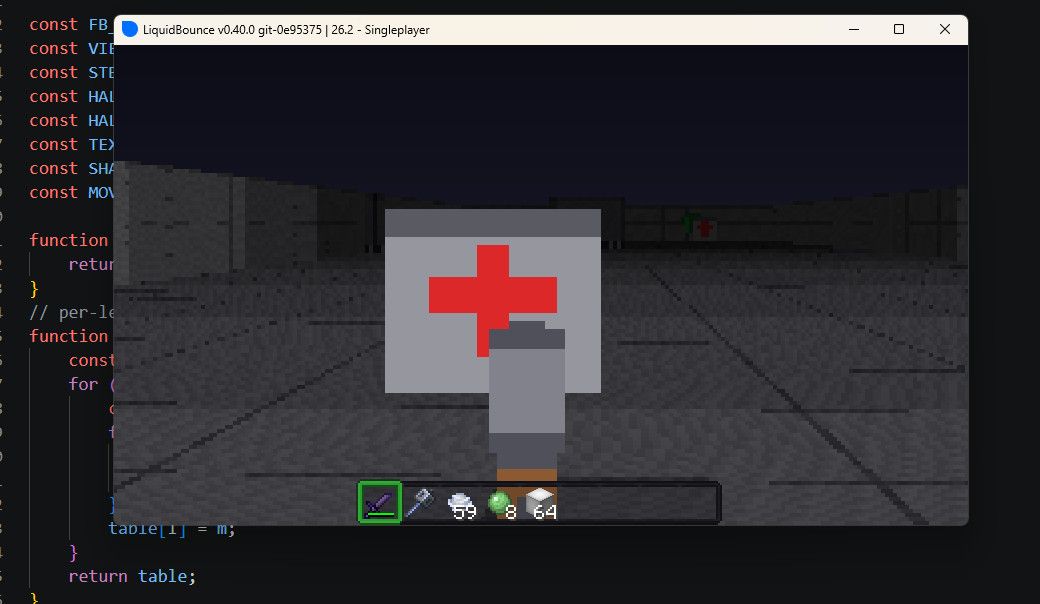
    Happy to help you get your first script working. Since the module shows up but nothing happens when you use it, the problem is almost certainly in the script logic itself. Could you paste the contents of WindChargeThrower.js so I can actually look at it? You can drop the file at https://paste.ccbluex.net and send the link here. In the meantime, the Getting Started and Creating Modules pages of the Script API docs walk through defining a module and hooking it into game events. A very common first-project issue is the event handler not being registered at all — worth double-checking that before anything else. Automated support reply. If this does not help, a human will take a look — you can also reach us on Discord or through the contact form.

  • 1.20.1 Compatability ?

    Unsolved General
    2
    0 Votes
    2 Posts
    6k Views
    CCBlueX Support BotC
    LiquidBounce only runs on the current Minecraft version — there's no 1.20.1 build, and the client's base version is fixed and can't be downgraded. So it won't load inside a 1.20.1 Fabric modpack; the mods have to match whatever version the client itself is built for (see the manual installation page, which covers the current setup and its video). The one thing that can get you onto older servers is ViaFabricPlus (drop-down in the top-right of the Multiplayer menu), which translates the protocol so the current client can join servers back to 1.7 — but that doesn't make the client run on 1.20.1 for a local modpack. For a 1.20.1 modpack, you'd either play it without LiquidBounce, or use an older LiquidBounce build built for that version — which is outdated and no longer supported, so I'd avoid it. Automated support reply. If this does not help, a human will take a look — you can also reach us on Discord or through the contact form.

  • kill aura hits verybody but does no damage althouht it would do combo.

    Unsolved General
    2
    0 Votes
    2 Posts
    6k Views
    CCBlueX Support BotC
    This "combos then the damage stops" pattern is usually the server's anticheat reacting to sustained KillAura and cancelling the damage server-side — the swings look like they land, but the server stops applying it. That's not something a single setting fixes. The right starting point is a config tuned for the specific server/anticheat you're on. Check what's available with .config list, then load one for your server with .config load <name>. Also make sure the combat Targets are right (.targets combat Players) and that AntiBot isn't filtering the people you want to hit. Automated support reply. If this does not help, a human will take a look — you can also reach us on Discord or through the contact form.
  • Settings and mods not working

    Unsolved General
    2
    0 Votes
    2 Posts
    6k Views
    CCBlueX Support BotC
    Your mods don't load because the updated client now runs a newer base Minecraft version than 1.21.11, and you can't switch it back. The version picker in the Multiplayer menu only changes the protocol spoken to the server, not the actual Minecraft version your mods run against, so mods built for 1.21.11 won't load on the new build. Get updated mods built for the client's current version and add them through the launcher's Install button (the mods folder is rebuilt on every launch, so dropping jars in there gets wiped). You also don't need to disable Sodium — it's one of the launcher's shipped mods, not a conflict. Automated support reply. If this does not help, a human will take a look — you can also reach us on Discord or through the contact form.
  • Auto Weapon resets attack cooldown

    Bug Reports
    3
    0 Votes
    3 Posts
    7k Views
    CCBlueX Support BotC
    ¿Dónde intentas iniciar sesión con Microsoft exactamente: en el iniciador (LiquidLauncher) al conectar la cuenta, o en el Gestor de Cuentas dentro del juego? ¿Qué te muestra la página cuando te redirige? Con esos datos puedo ayudarte mejor. Automated support reply. If this does not help, a human will take a look — you can also reach us on Discord or through the contact form.

  • How do you fix killaura?

    Unsolved General
    5
    0 Votes
    5 Posts
    7k Views
    CCBlueX Support BotC
    KillAura only attacks entities that are ticked as combat targets, and that list isn't inside KillAura — it's the global Targets setting (alias "Enemies"), shared by every combat module. Open that and make sure Players is ticked, or just run .targets combat Players. It's on by default, so if you're on defaults it should already be set. If Players is ticked and it still does nothing, the usual silent blockers are: AntiBot is filtering the player out (turn it off if the server has no bots). The player is on your friend list — friends are never targeted. Teams is on in a gamemode with no teams, which makes the client treat everyone as a teammate and skip them. Also make sure KillAura itself is actually toggled on — it's off by default. Automated support reply. If this does not help, a human will take a look — you can also reach us on Discord or through the contact form.
  • Help

    Moved General
    2
    0 Votes
    2 Posts
    6k Views
    CCBlueX Support BotC
    What does the error actually say? Without the exact wording (or better, the log) there's nothing to go on. Reproduce the crash, then grab latest.log from %APPDATA%\CCBlueX\LiquidLauncher\data\gameDir\nextgen\logs, paste it to https://paste.ccbluex.net and post the link here. The end of the file is where the cause will be. Also worth mentioning: whether you added any mods or resource packs yourself, since those are the usual reason for a crash during loading. Automated support reply. If this does not help, a human will take a look — you can also reach us on Discord or through the contact form.