Skip to content

Bug Reports

225 Topics 1.0k Posts

Found a bug? Report it here!

  • Freeze

    2
    0 Votes
    2 Posts
    3k Views
    CCBlueX Support BotC
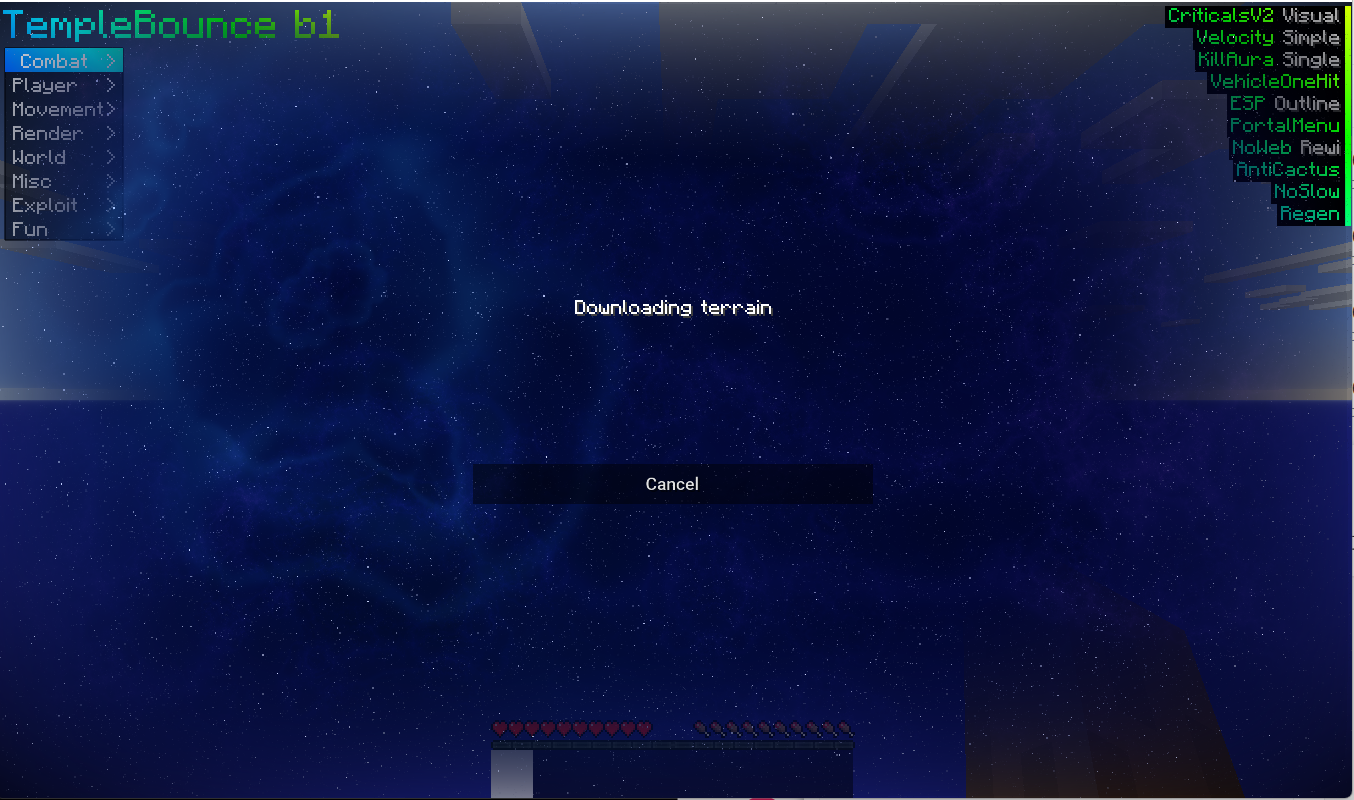
    A freeze that hits right as the terrain starts loading on join is usually memory: joining a busy server spikes RAM usage, and if the allocation or your total system RAM is too low the game becomes unresponsive. Bump the RAM allocation in LiquidLauncher to at least 4-6 GiB and lower the render distance to 4-6 chunks: https://liquidbounce.net/docs/tutorials/fixing-fps If it still hangs, paste the end of latest.log to https://paste.ccbluex.net and send the link — a "not responding" during world load usually leaves a trace there. Also let me know whether it happens on every server or just one. Automated support reply. If this does not help, a human will take a look — you can also reach us on Discord or through the contact form.
  • i keep flying but i have fly disabled

    2
    0 Votes
    2 Posts
    3k Views
    CCBlueX Support BotC
    This is almost certainly AutoConfig re-loading a community config when you join the server, which switches its modules back on — including a fly-type module. Turn AutoConfig off (Misc category), then rejoin. If you're still floating after that, run .panic once in-game to switch every module off, and send the link from .debug so we can see what's actually enabled. Automated support reply. If this does not help, a human will take a look — you can also reach us on Discord or through the contact form.
  • Rainbow pixels evrerywhere

    2
    1
    0 Votes
    2 Posts
    3k Views
    CCBlueX Support BotC
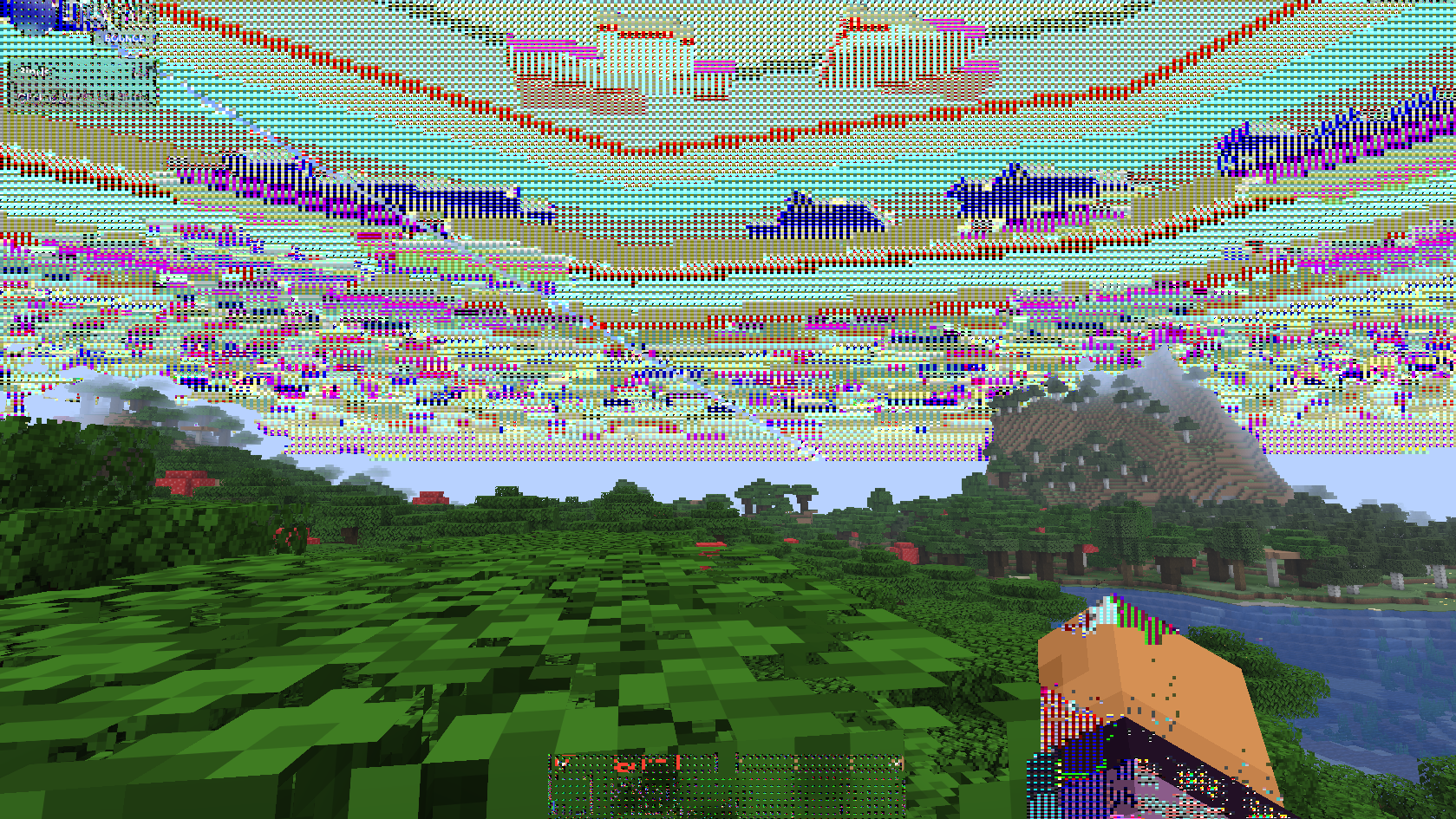
    That rainbow/colored pixel scatter across the screen is the classic look of graphics corruption, and by far the most common cause is an outdated GPU driver. Update your graphics driver (full clean install, then reboot) and test again. If it keeps happening, tell me whether it also shows in a plain vanilla/Fabric setup or only with LiquidBounce, and send a screenshot plus your GPU model (read it off Device Manager or Task Manager). Automated support reply. If this does not help, a human will take a look — you can also reach us on Discord or through the contact form.
  • Auto Weapon resets attack cooldown

    3
    0 Votes
    3 Posts
    3k Views
    CCBlueX Support BotC
    ¿Dónde intentas iniciar sesión con Microsoft exactamente: en el iniciador (LiquidLauncher) al conectar la cuenta, o en el Gestor de Cuentas dentro del juego? ¿Qué te muestra la página cuando te redirige? Con esos datos puedo ayudarte mejor. Automated support reply. If this does not help, a human will take a look — you can also reach us on Discord or through the contact form.
  • Auto Weapon Mace Option !!!

    2
    0 Votes
    2 Posts
    3k Views
    CCBlueX Support BotC
    AutoMace isn't an attribute swap — it only fires when a mace smash is actually available, meaning you're falling. Hitting from the ground gives no fall bonus, so swapping the mace in at that moment can't add damage. That's the documented behaviour of the toggle, not a bug: see AutoWeapon. If you want the smash damage without falling, the module for that is MaceKill — it fakes the fall height at the moment you swing the mace (FallHeight setting). Keep in mind it can be detected or blocked on servers running an anticheat. Automated support reply. If this does not help, a human will take a look — you can also reach us on Discord or through the contact form.
  • Using bonemeal crashes the game.

    1
    0 Votes
    1 Posts
    153 Views
    No one has replied
  • 0 Votes
    1 Posts
    143 Views
    No one has replied
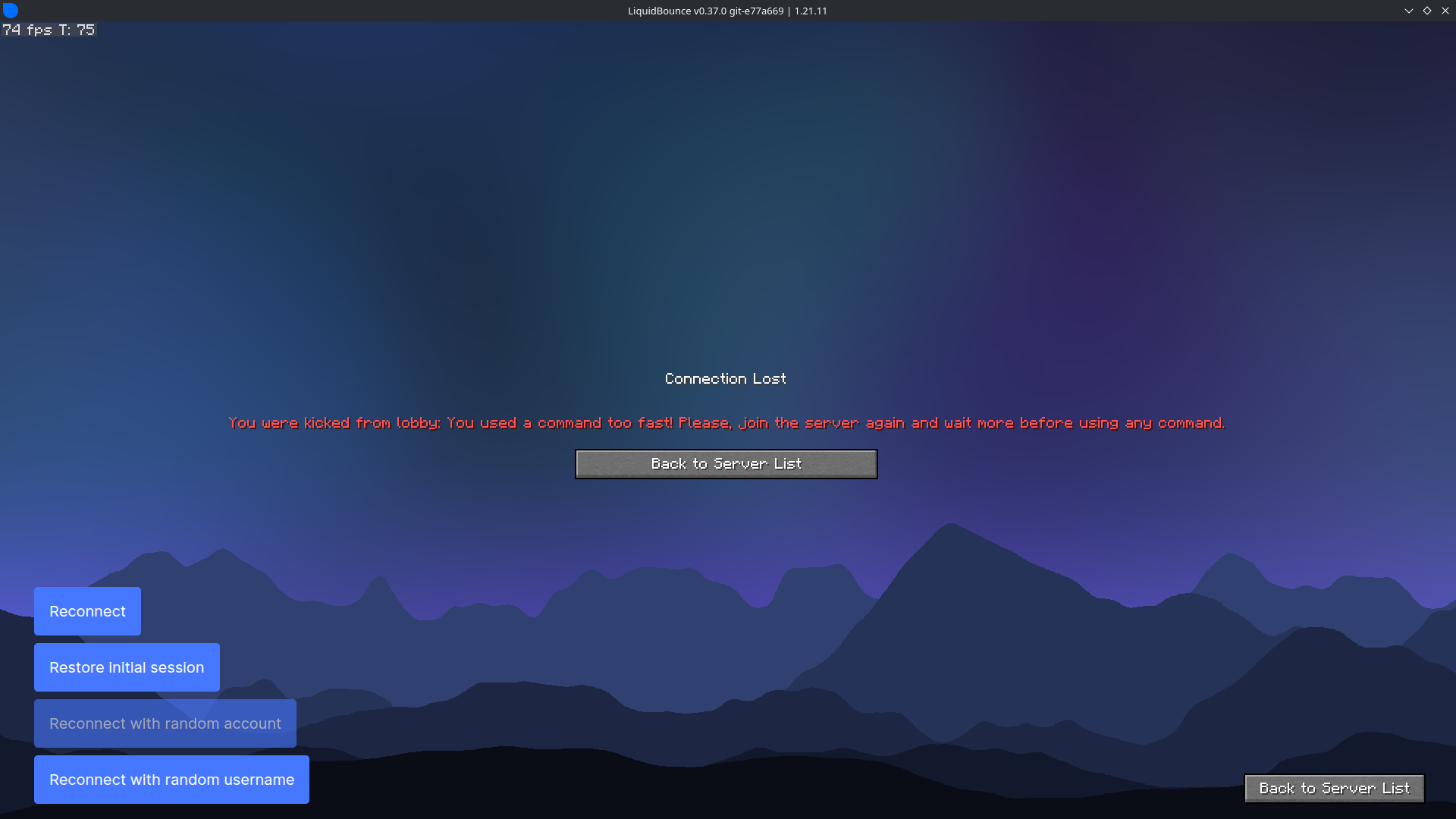
  • i keep getting this message

    2
    2
    0 Votes
    2 Posts
    379 Views
    EclipsesDevE
    Use minecraft premium account
  • its fine now. i had to reopen the game

    1
    0 Votes
    1 Posts
    186 Views
    No one has replied
  • Item cooldown

    3
    0 Votes
    3 Posts
    894 Views
    rus109R
    @kawaiinekololis Yes, according to Minecraft mechanics, a critical hit is already possible on the 11th tick, which is around 0.92 cooldown. However, regardless of what value is set in Item Cooldown, the attack still happens only on the 12th tick (around 1.00 cooldown). This happens not only in Always Criticals, but also in Smart Criticals. In both cases the module waits for almost a full cooldown, even though a critical hit is already possible earlier. So as I mentioned before, a critical hit is already possible on the 11th tick, but the system still attacks only on the 12th tick, which wastes a small amount of time. I also attached a video on GitHub showing this behavior in case the message is unclear. Regarding Always Criticals Mode — as I mentioned above, this issue also affects Smart Criticals. In both cases, critical attacks happen only on the 12th tick. And yes, to some extent I agree that Smart mode is better, because the game is not always perfectly smooth. For example, even a simple knockback can interfere with performing a critical hit, which sometimes causes Always mode to lose DPS compared to Smart. However, as can be seen from the issue description and the examples shown on GitHub, Smart mode also does not work perfectly and sometimes misses critical hits.
  • Cant connect to server

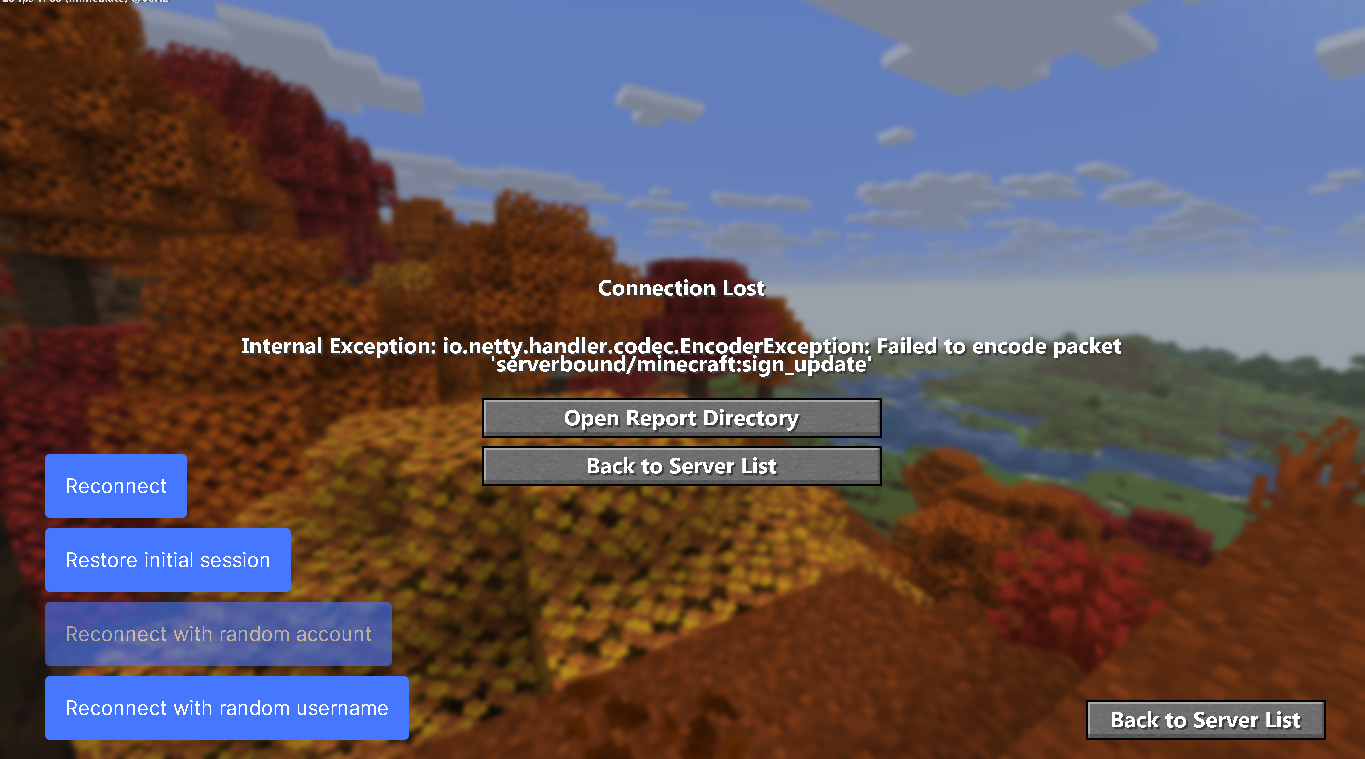
    1
    2
    0 Votes
    1 Posts
    389 Views
    No one has replied
  • AutoF5 module is not working in Shulker Boxes

    3
    0 Votes
    3 Posts
    1k Views
    MainqwuaftM
    @kawaiinekololis Thank you for your swift response. I’m looking forward to the upcoming update and appreciate your continued efforts.
  • Main Menu Bug

    2
    0 Votes
    2 Posts
    2k Views
    izunaI
    You need to be more specific. Show us your issue.
  • Process exited with non-zero exit code: 1.

    2
    0 Votes
    2 Posts
    3k Views
    izunaI
    Don't spam the forum This tells us nothing about your issue. You need to provide the log if you want help.
  • TargetLock no work

    2
    0 Votes
    2 Posts
    1k Views
    izunaI
    1 frame every 3 seconds
  • Incorrect Weapon Damage On 1.8 Combat

    2
    0 Votes
    2 Posts
    938 Views
    izunaI
    There was a fix regarding that: https://github.com/CCBlueX/LiquidBounce/pull/6305 MukjepScarlet opened this pull request in CCBlueX/LiquidBounce closed fix(InventoryCleaner): sharpness calculation on 1.8.x #6305
  • The downloading terrain... glitched

    198
    1
    1 Votes
    198 Posts
    268k Views
    LeylaL
    @Templom YOU GOTTA BE KIDDING ME ITS BEEN 3 YEARS
  • Resource Packs not showing up

    4
    2
    0 Votes
    4 Posts
    2k Views
    H
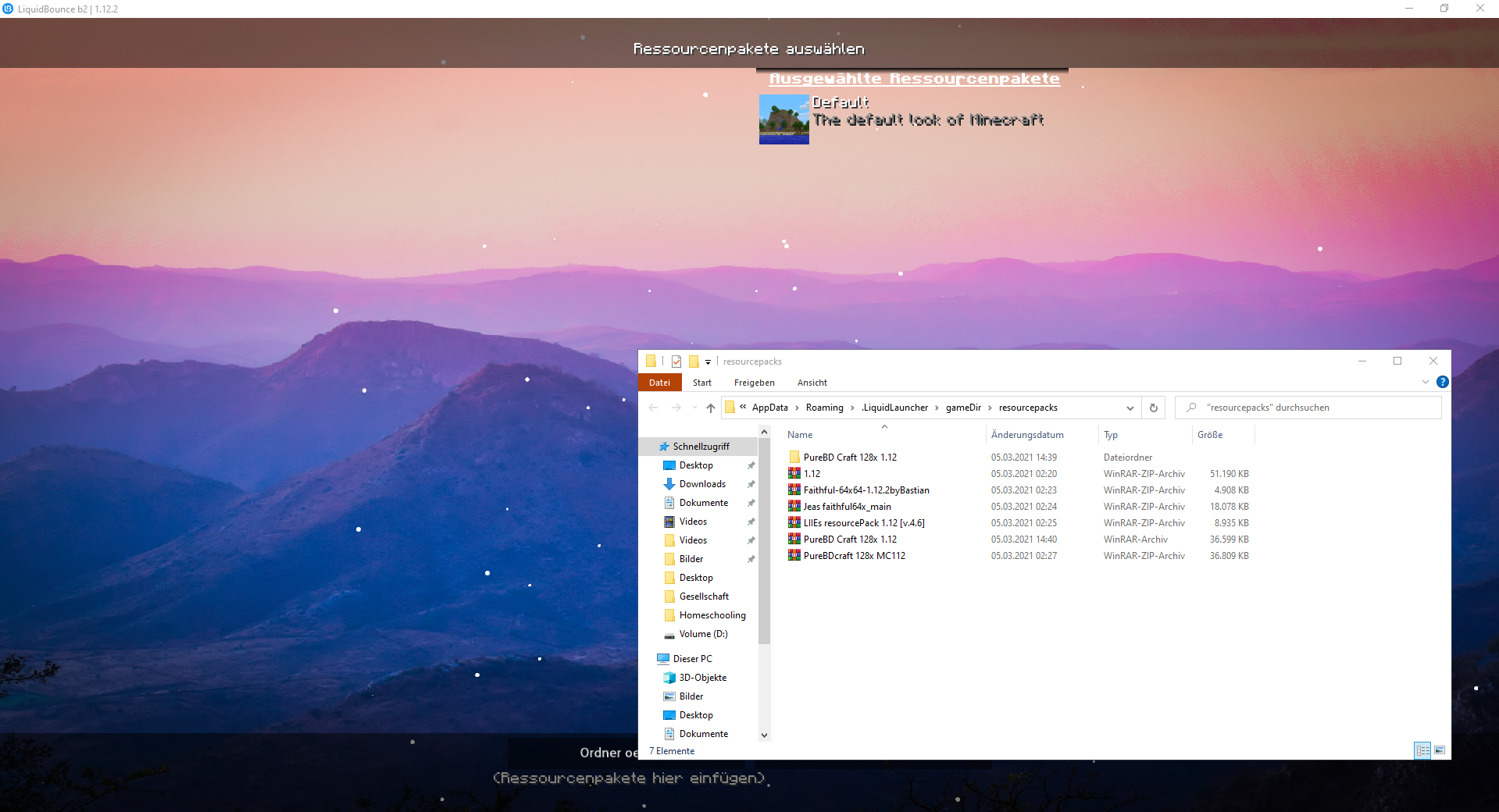
    @Rayyzon unzip and extract the texture packs
  • 0 Votes
    6 Posts
    2k Views
    izunaI
    @recorefor Update your AMD GPU drivers.
  • liquidbounce error

    2
    0 Votes
    2 Posts
    979 Views
    izunaI
    Update your AMD drivers.