how do I make my own custom liquidbounce
-
I have downloaded the src code and the coding software(s) needed but I am having trouble following the instructions in the README.txt from the src code folder
@somehax you can simply forked it in Github then turn on workflow
-
I have downloaded the src code and the coding software(s) needed but I am having trouble following the instructions in the README.txt from the src code folder
@somehax ez to do
-
I have downloaded the src code and the coding software(s) needed but I am having trouble following the instructions in the README.txt from the src code folder
@somehax
first : download https://github.com/CCBlueX/LiquidBounce/tree/legacysecond :open IDEA
third : click Terminal
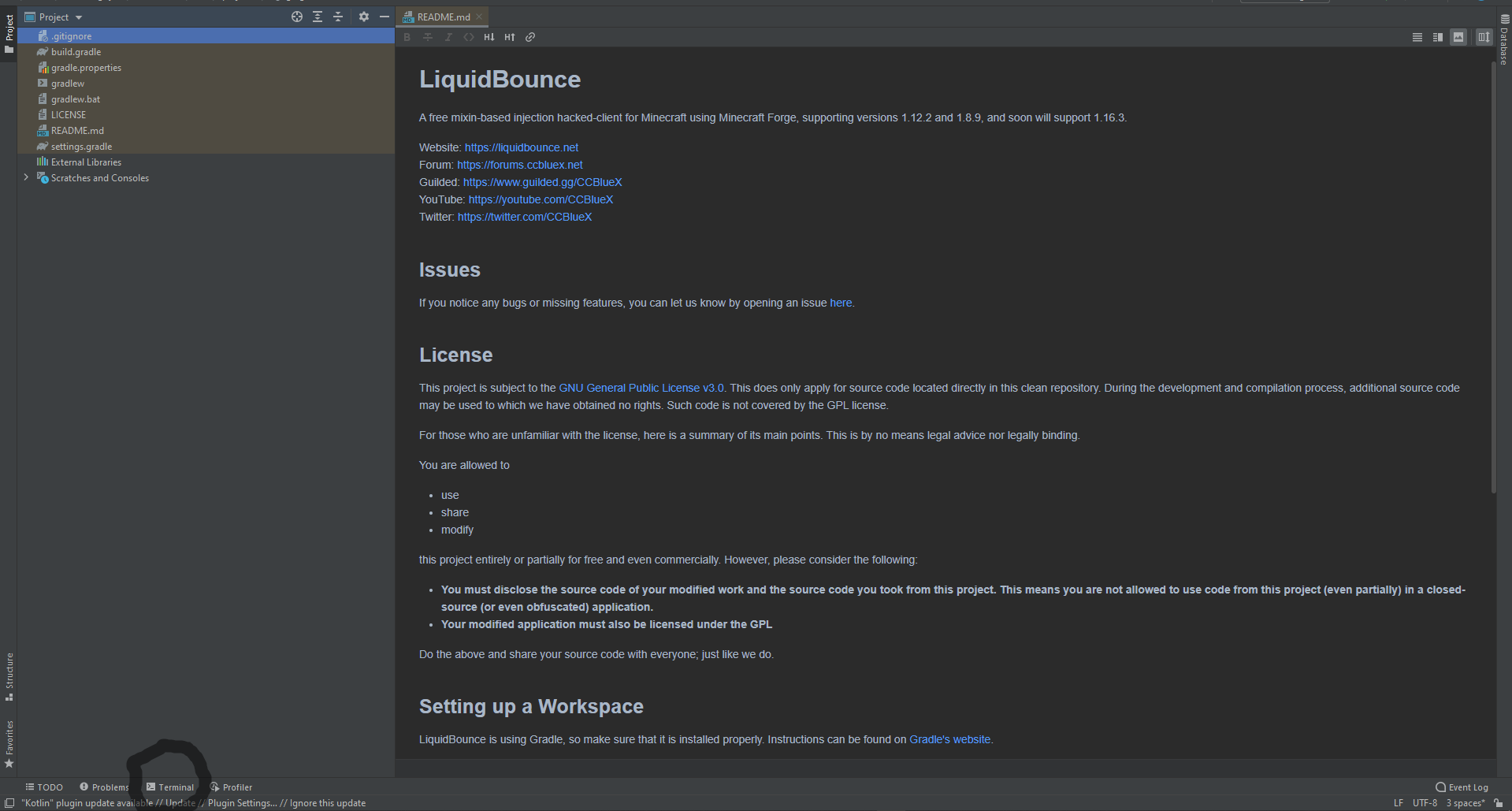
fourth:copy this and paste to terminal
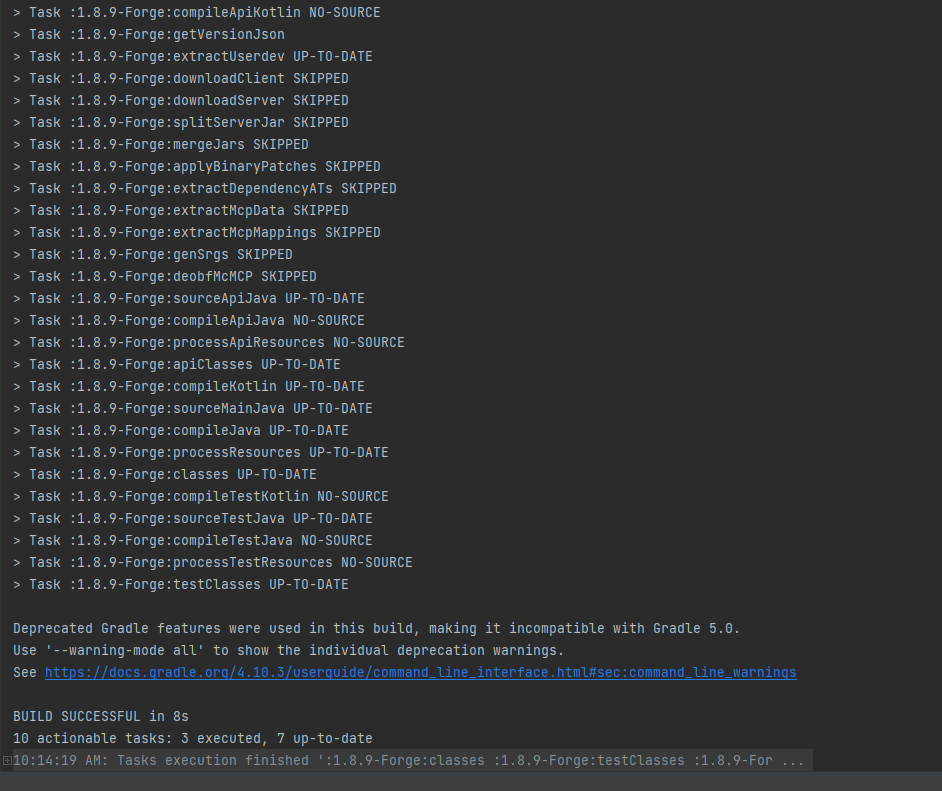
gradlew setupDevWorkspace idea genIntellijRuns buildfifth: press enter and wait to build (build is on the hotbar with terminal too) when finish it like this:
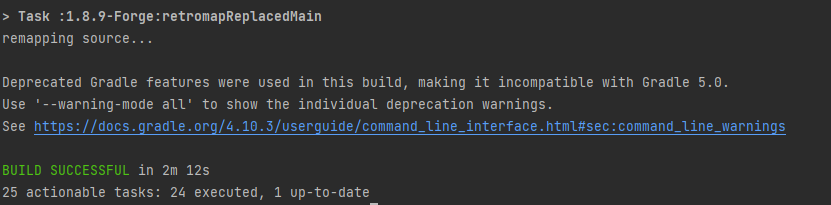
sixth : go to build and reload, reload button
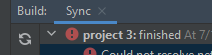
seventh:click this
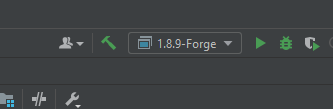
And it will be liked this:
eighth :press edit configurations
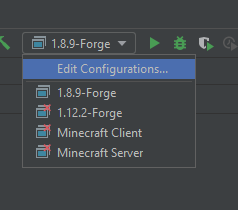
nineth:click this button to remove 1.12.2-Forge Minecraft Client and Minecraft Server

ten: edit src in share folder

eleven : open terminal again
and paste this code in : gradlew build
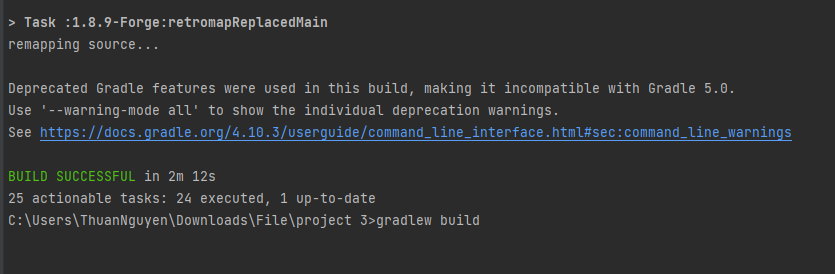
twelve press Enter and wait it to build like this:
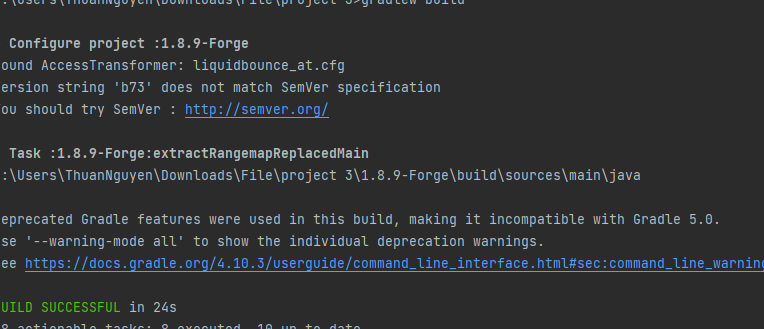
go to the liquidbounce-legacy folder --> 1.8.9-Forge --> build --> libs there you go that is your liquidbounce you build

Warning: If build failed that mean your share main code have a problem check your code you do again and compile it
-
I have downloaded the src code and the coding software(s) needed but I am having trouble following the instructions in the README.txt from the src code folder
@somehax its not easy as making a script, it requires a brain, math knowledge, liquidbounce, and IDEA.
-
@somehax
first : download https://github.com/CCBlueX/LiquidBounce/tree/legacysecond :open IDEA
third : click Terminal
fourth:copy this and paste to terminal
gradlew setupDevWorkspace idea genIntellijRuns buildfifth: press enter and wait to build (build is on the hotbar with terminal too) when finish it like this:
sixth : go to build and reload, reload button
seventh:click this
And it will be liked this:
eighth :press edit configurations
nineth:click this button to remove 1.12.2-Forge Minecraft Client and Minecraft Server
ten: edit src in share folder
eleven : open terminal again
and paste this code in : gradlew build
twelve press Enter and wait it to build like this:
go to the liquidbounce-legacy folder --> 1.8.9-Forge --> build --> libs there you go that is your liquidbounce you build
Warning: If build failed that mean your share main code have a problem check your code you do again and compile it
btw

-
@somehax
first : download https://github.com/CCBlueX/LiquidBounce/tree/legacysecond :open IDEA
third : click Terminal
fourth:copy this and paste to terminal
gradlew setupDevWorkspace idea genIntellijRuns buildfifth: press enter and wait to build (build is on the hotbar with terminal too) when finish it like this:
sixth : go to build and reload, reload button
seventh:click this
And it will be liked this:
eighth :press edit configurations
nineth:click this button to remove 1.12.2-Forge Minecraft Client and Minecraft Server
ten: edit src in share folder
eleven : open terminal again
and paste this code in : gradlew build
twelve press Enter and wait it to build like this:
go to the liquidbounce-legacy folder --> 1.8.9-Forge --> build --> libs there you go that is your liquidbounce you build
Warning: If build failed that mean your share main code have a problem check your code you do again and compile it
@_simonclient_ said in how do I make my own custom liquidbounce:
gradlew setupDevWorkspace idea genIntellijRuns build
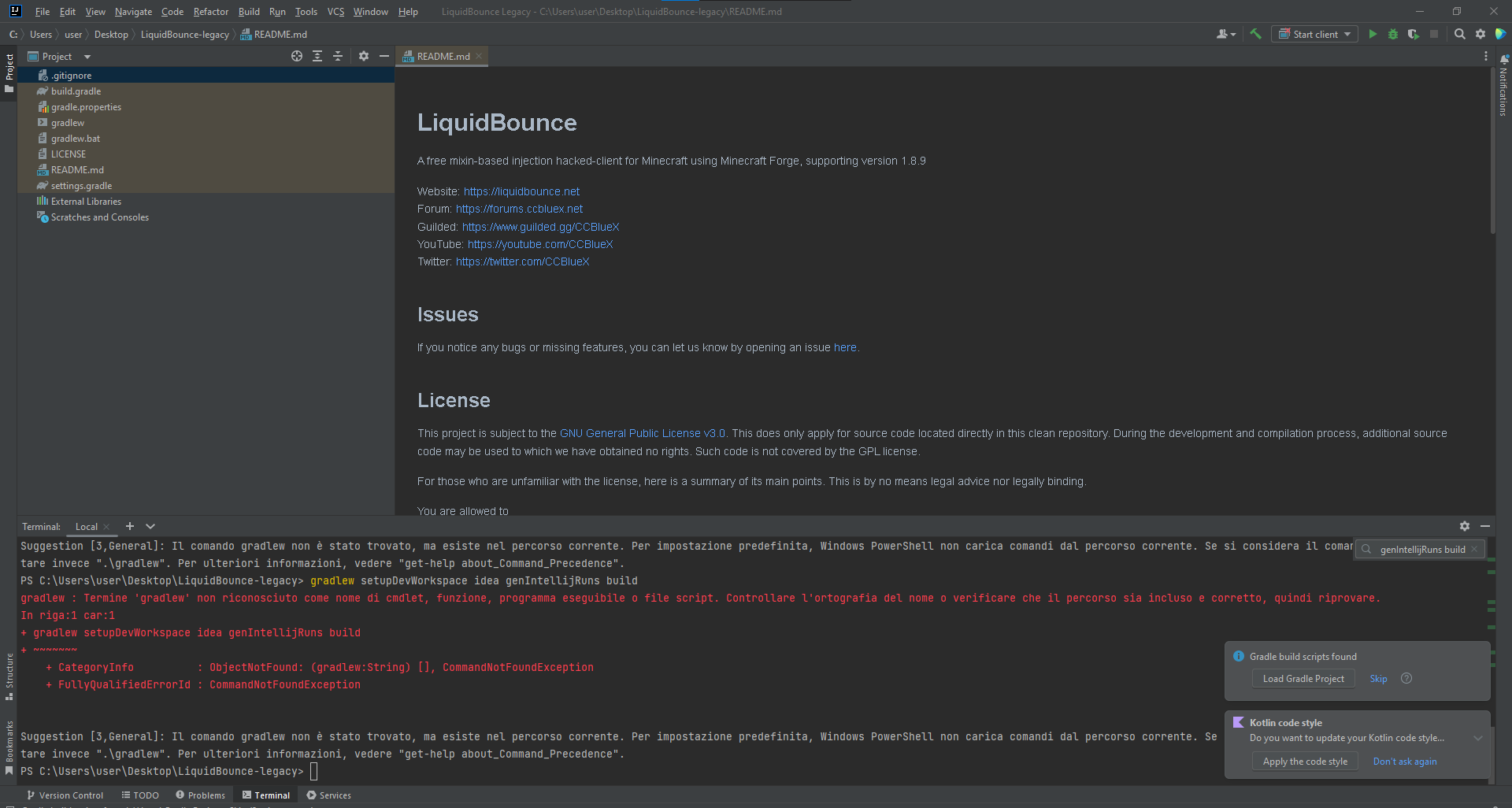 ??
?? -
@_simonclient_ said in how do I make my own custom liquidbounce:
gradlew setupDevWorkspace idea genIntellijRuns build
??@salvatore-sammarco https://forums.ccbluex.net/post/31209
-
@_simonclient_ said in how do I make my own custom liquidbounce:
gradlew setupDevWorkspace idea genIntellijRuns build
??@salvatore-sammarco type
.\gradlew build



Hello! It looks like you're interested in this conversation, but you don't have an account yet.
Getting fed up of having to scroll through the same posts each visit? When you register for an account, you'll always come back to exactly where you were before, and choose to be notified of new replies (either via email, or push notification). You'll also be able to save bookmarks and upvote posts to show your appreciation to other community members.
With your input, this post could be even better 💗
Register Login