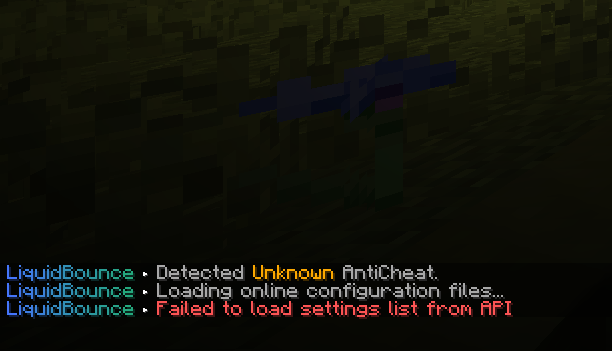
If it actually installed, it is located as you described at C:\Program Files\LiquidLauncher - if it's not, it's not.
Either try following this tutorial: https://liquidbounce.net/docs/get-started/installation
Or if it does not work, you can install LiquidBounce manually: https://liquidbounce.net/docs/get-started/manual-installation
Yes the currently script API can be sometimes very annoying to work with, like the calling a api that accepts a float with a number in js, etc. and the error usually is not very straight forward and needs a lot of experience to understand what's going on. we are still trying to improve it. At least you have https://liquidbounce.net/docs/script-api/debugging now, although you cannot create any named variable in the console. btw the docs looks much better than before.
You can check here how to work with Minecraft: https://maven.fabricmc.net/docs/yarn-1.21.4+build.8/index.html
Script API has access to every Class and Method that Minecraft provides, as well as the Fabric API (if installed).
The bot only spawns for a few ticks, so all you need to do is check the age of the entity. You can use the CubeCraft config (.config load cubecraft), which is already pre-configured.