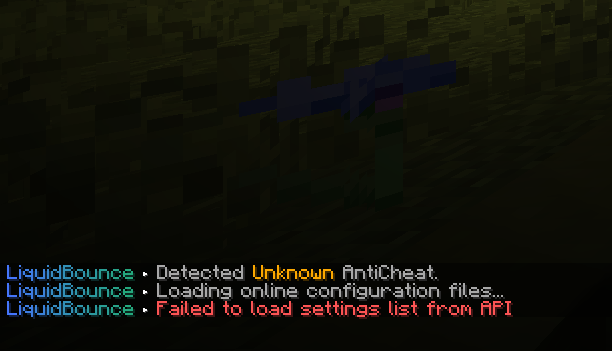
If it actually installed, it is located as you described at C:\Program Files\LiquidLauncher - if it's not, it's not.
Either try following this tutorial: https://liquidbounce.net/docs/get-started/installation
Or if it does not work, you can install LiquidBounce manually: https://liquidbounce.net/docs/get-started/manual-installation
Hello,
it is a mod called No Chat Reports and you can turn it off in the LiquidLauncher.
[image: 1746982734814-7fe378b4-af11-4028-b743-2b255a175a19-image.png]
Yes, it is. Minecraft sends a client brand which is usually "Vanilla" - unless you are using Fabric for example. It's not that uncommon to use Fabric these days, as more people are using it for things like Sodium - but it's a way for the owner to check if you're using a modded installation.